Description
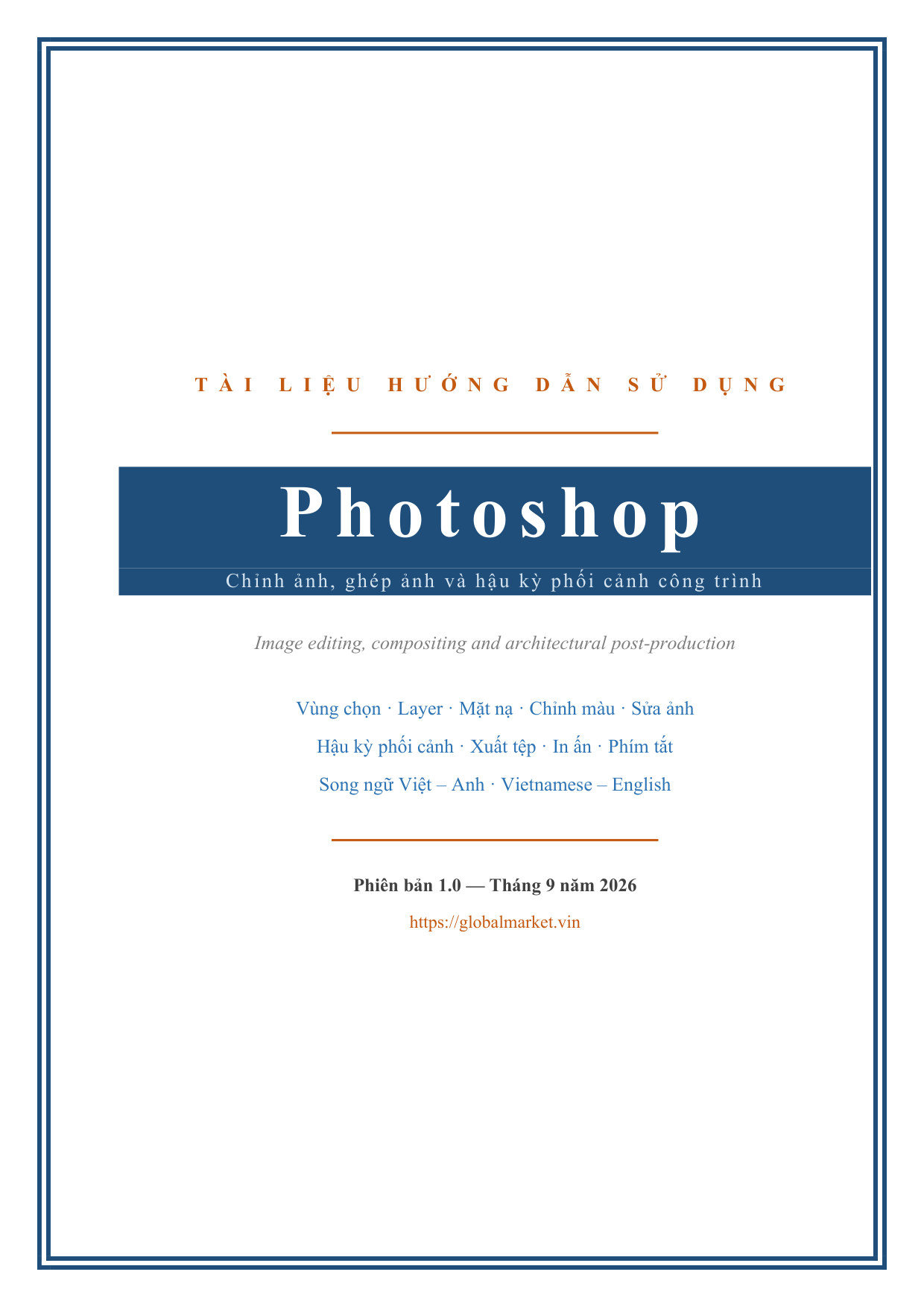
A complete Photoshop reference written for construction and architecture rather than for photography in general: correcting site photographs, cleaning survey images, and carrying a rendered view through post-production to delivery.
The opening chapters set out what Photoshop does for a construction professional — balancing exposure and colour, correcting converging verticals on a photograph taken looking up, removing cables, signage and passers-by from a survey image, replacing skies and compositing trees and figures into a render, building material and colour boards, and preparing images for documents and portfolios — then place it against the software around it: a photo library application for batch work, a vector application for logos and signage, a page layout application for multi-page documents. It covers the desktop, browser and tablet versions and says plainly which work needs the desktop. Installation and licensing follow, including the fact that Photoshop is sold by subscription only, and the system requirements on both Windows and macOS.
The interface chapter covers the menu bar, the Options bar — the place beginners overlook, where the same brush at 20 % and 100 % opacity gives entirely different results — the toolbar, the document window and the panels, then the Layers panel in detail: the eye icon, the mask thumbnail, the highlight showing whether the image or the mask is active, and naming layers as they are created. It covers zooming and panning, the History panel and what is lost when a file is closed, and arranging panels into a saved workspace.
Image files, resolution and colour modes covers raster against vector, image size against resolution with the Resample checkbox and what it costs, Image Size against Canvas Size, colour modes and bit depth, colour profiles and why prints differ from the screen — a screen emits light while paper reflects it, so a display set too bright widens the gap — and the file formats with when to use each.
Selections get their own chapter, because most of the working day goes into defining areas: what a selection actually is underneath the marching ants — a hidden greyscale image where every pixel carries a value from 0 to 255 — and the two things that follow from it, that a selection edge can be soft through Feather, and that a faint selection can hold with no visible outline at all. It covers the Marquee tools, the Lasso family, removing a background with Magic Wand and Quick Selection, adding to and subtracting from selections, refining with Select and Mask, and saving and reloading a selection.
Layers and masks covers what a layer is, the types of layer, Smart Objects and when to use one, Layer Masks and how to use them, blending modes and how to choose one, layer styles, and working non-destructively. Tone and colour correction covers reading the histogram before adjusting, Levels, Curves, the remaining tonal commands, colour correction, the Camera Raw Filter, and a working order for architectural images.
Painting, filling and retouching covers the Brush tool, foreground and background colours and filling a selection, erasing and why a mask beats the Eraser, removing unwanted objects from a photograph, dodging and burning locally, sharpening and blurring, and cleaning up site photographs before they go into a report.
Type, vector shapes and filters covers adding and formatting type, Vietnamese font problems and how to avoid them, drawing with the Shape and Pen tools, Smart Filters so a filter can be changed later, the filters most used, correcting converging verticals, and Free Transform for rotating, skewing and distorting.
Post-production for architectural renders gets a full chapter: exporting renders for post-production, building the layer stack for an architectural view, replacing the sky, compositing trees and people, creating light and atmosphere, handling glass and reflections, and final grading and checks before delivery. Saving, exporting and printing covers Save against Save As, Save a Copy and Export As, the file formats and when to use each, preparing an image for print, exporting for web and social media, exporting layers to separate files and exporting artboards, file naming and version control across client revisions, and a table for choosing an export format by intended use.
The final chapter covers performance and troubleshooting: why Photoshop slows down, the performance settings that keep it responsive, the scratch disk full error and how to fix it for good, reducing a heavy PSD, the common problems and their fixes, recovering a file that was never saved, and work habits that keep files tidy.
Appendices give the shortcut tables for tools, layers and selections, viewing and navigation, and file and general commands, how to create your own shortcuts, and a Vietnamese–English glossary of imaging and Photoshop terms covering digital image and resolution, colour and tonal adjustment, layer, mask and selection, editing tool and filter, and file format and performance.
Written bilingual Vietnamese–English side by side, so you can follow in your own language while still matching the exact English names Photoshop prints on screen. Version 1.0, September 2026.
👀 Look inside
The first 5 pages — click any page to view it larger.
What's included:
- ✓PDF 119 trang, song ngữ Việt – Anh
- ✓12 chương + 2 phụ lục
- ✓Vùng chọn, layer, mặt nạ, chỉnh sáng & màu, sửa ảnh
- ✓Hậu kỳ ảnh phối cảnh: thay trời, ghép cây & người, ánh sáng
- ✓Bảng phím tắt + thuật ngữ ảnh Anh – Việt
Reviews
No reviews yet