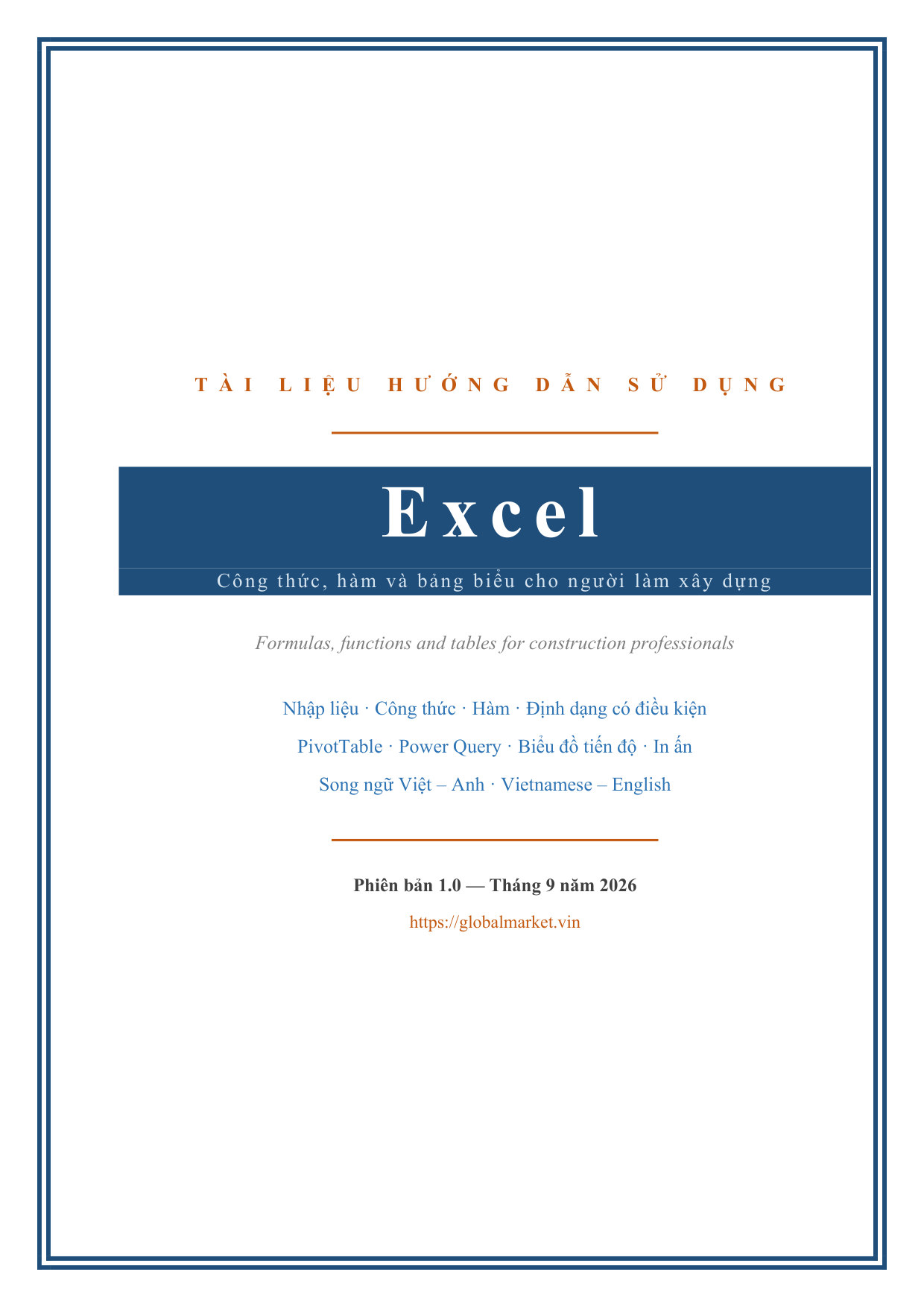
Description
A complete Excel reference written for construction work rather than for spreadsheets in general: bills of quantities, cost estimates, programmes, material logs, timesheets and statements of work done. The premise is stated plainly — people in construction spend more hours in Excel than in their specialist software, yet typically use about a tenth of what it can do.
The opening chapters say who the guide is for, explain the versions and the difference that matters most in practice (XLOOKUP, FILTER, SORT and UNIQUE exist only in the subscription version, so a formula written on a subscription machine returns #NAME? on an older perpetual release), cover the file formats including what a .csv does not keep, and set out the limits of Excel — including the fifteen significant digits that silently truncate long work item codes. Installation and initial setup follow, with the settings worth changing immediately: AutoRecover, separators matching the document convention, a single sheet in new workbooks, the office font, and automatic calculation — because a workbook received from someone else may be set to manual, and that setting travels with the file.
Entering data correctly covers how Excel interprets what is typed, including the status-bar test that tells real numbers from text that merely looks numeric, entering dates without order errors when a file passes between machines with different regional conventions, the fast data entry keys, and pasting with Paste Special — including why a bill of quantities should be pasted over as Values before it is sent out, to cut links to source files the recipient does not have.
Structuring a construction workbook is treated as the foundation it is: separating data from presentation, the flat table that makes summarising possible at all, turning a range into a table with Ctrl+T for formulas that extend and references that read clearly, and freezing headers and splitting the view. The chapter is explicit that a bill of quantities in the traditional layout — bold section heading rows through the table, merged cells, blank separator rows — cannot be filtered, summarised or charted, and belongs on the printing sheet with the data held flat on its own.
Formulas and cell references covers operator precedence with the classic estimating error of adding percentages before multiplying, what recalculates when a cell changes, absolute references and the F4 key, linking between sheets and workbooks, named ranges, structured references in tables, the common formula errors and how to fix them, and auditing with Trace Precedents and Evaluate Formula.
Functions for construction work covers SUMIFS and SUMPRODUCT in a cost estimate, COUNTIFS and SUBTOTAL for counting work items and totalling filtered rows, rounding quantities and money, IF and IFERROR in a bill of quantities, VLOOKUP and INDEX MATCH, XLOOKUP and the dynamic arrays only available in Microsoft 365, and the text, date and financial functions that turn up in construction files.
Formatting, data validation and protection covers number and custom formats, laying out a bill of quantities with merging, wrapping and borders, conditional formatting against a threshold, drop-down lists with Data Validation, locking cells and protecting a sheet, and sharing a file for several people to edit. Sorting, filtering and summarising covers preparing a table for filtering, multi-level sorting, AutoFilter and Advanced Filter, removing duplicates and splitting columns, Subtotal to total quantities by work section, grouping rows and columns, and Consolidate to merge data from several sheets.
PivotTables and Power Query covers creating a pivot to summarise quantities, grouping by month and quarter, Slicers and Timelines, calculated fields, refreshing when the source changes, applying pivots to site quantity and material control, and using Power Query to merge many report files into one table.
Charts and reports covers choosing the right chart type for construction data, the parts of a chart and how to adjust them, drawing a construction Gantt chart in Excel, drawing an S-curve, two-axis combo charts, setting up printing for a multi-page bill of quantities, and building a one-page report for management.
Ready-to-use workbook patterns gives seven worked templates: a bill of quantities with dimension take-off, a cost estimate with VLOOKUP rate lookup, tracking executed quantities against contract, a weekly construction programme, a materials in-out-stock record, a timesheet with quantity-based piecework pay, and a submittal register for contractor documents. The final chapter covers errors, optimisation and handover: the common formula errors, the wrong results Excel does not flag, checking a workbook before handing it over, heavy and slow files with their causes and remedies, locking formula cells and protecting sheets, printing and exporting PDF submittals, and file naming and version backups.
Appendices give the shortcut tables for navigation and selection, data entry and formatting, formulas and auditing, and tables, data and files, plus an Excel function reference organised by construction task — totalling and counting, rounding and statistics, logical and error handling, lookup and reference, text, date and financial.
Written bilingual Vietnamese–English side by side, so you can follow in your own language while still matching the exact English function names and interface labels Excel prints on screen. Version 1.0, September 2026.
👀 Look inside
The first 5 pages — click any page to view it larger.
What's included:
- ✓PDF 117 trang, song ngữ Việt – Anh
- ✓12 chương + 2 phụ lục
- ✓Hàm tính khối lượng, tra đơn giá, tính ngày công
- ✓PivotTable, Power Query, biểu đồ Gantt & đường cong chữ S
- ✓7 mẫu bảng dùng được ngay + bảng tra hàm theo công việc
Reviews
No reviews yet